


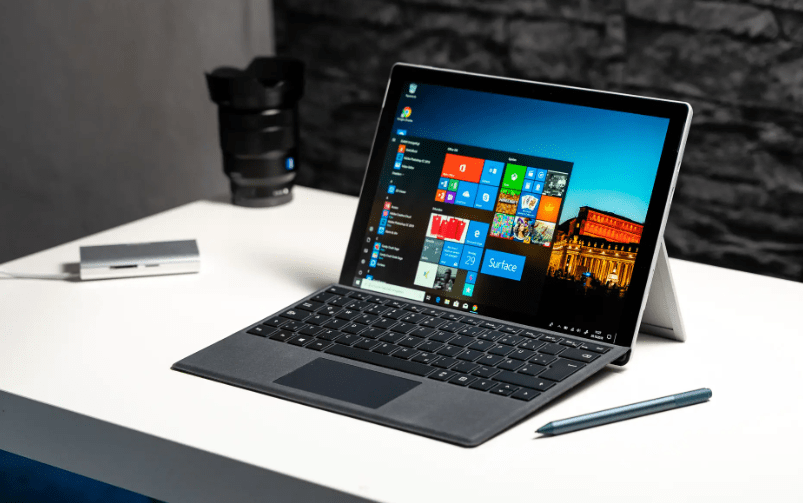
Windows has been the core operating system of many devices for years. With its arrival, it brought forth tremendous change in the computing field and has made its mark all over the world, with its market share now standing at 69% (as of 2023), all thanks to its most advanced operating systems.
Here we will compare the two popular versions of Windows 10: Windows 10 Pro vs. Home.
Let’s start by understanding the features of both.
- Hello Program: It allows users to secure their laptops with secure logins, biometric & facial recognition and other ways. This feature is available in both Windows 10 Home and Windows 10 Pro laptops, making Windows an overall safe system for you.
- Data Encryption: All the data within the laptop is encrypted through the best encryption methods to ensure the laptop’s security. It makes the laptops defensive against threats and data theft.
- Threat Security: In this internet-ruled world, robust security is a requirement to prevent any malicious attack damaging your laptop. Windows firewall and network protection do the same. It offers Internet protection by blocking any third-party threats and preventing them from entering the system. The firewall secures you while you access the website and warns you if you bump into any insecure or non-trusted site.
- Family Friendly: Windows offers a variety of parental control options that can help you monitor and restrict your child’s access to inappropriate content. Some of the features include limiting the system access for specific periods, access to limited sites etc. You can configure Parental controls from Settings, where you can set authentication PINs or passwords.
- Secure Boot: It is one of the significant features of Windows allowing users to run applications in a safe environment. What it does is it prevents malicious software from loading when the laptop is turning on. In secure boot mode, it removes all the unsecured and non-trusted applications, offering an extra protection layer to laptop users.
- Built-in Antivirus: Windows Defender is an inbuilt antivirus that is made available to all Windows users. It offers potent security to users against all potential threats while enabling them to scan and remove malicious files from their systems.
- Virtual Assistant Tool: Windows 10 features Cortana. It’s a virtual assistance tool that allows you to accomplish various tasks through verbal instructions. It helps complete tasks automatically and quickly. Cortana is available in Windows 10 and its subsequent versions.
Apart from these, Windows 10 Pro laptops come with additional features, such as
- Device Encryption: Windows 10 Pro uses Bit locker device encryption to encrypt all the data in your laptop. It’s basically a security program that makes the data within the system unreachable if someone tries to steal or access your system. And with Windows Information Protection, users can encrypt their data and protect their critical information.
- Remote Accessibility: In the backdrop of remote working, remote accessibility is truly valuable, allowing you to access your laptop from anywhere and any other system. This accessibility feature makes Windows 10 Pro highly preferable.
- Hyper V: It is a short form of hypervisor. It’s a program that hosts multiple virtual machines in a single piece of hardware. With this program, you can run another operating system with Windows 10 Pro working beside it.
- Shareability and Authentication: With Windows 10 Pro laptops, users can share network resources with others through the Domain Join feature, including devices like network printers. There is also a management feature within Windows 10 Pro, which allows users to limit specific access based on their requirements. It makes it easier for enterprises to manage their work.
Comparison: Windows 10 Pro vs. Home Laptop
| Parameters | Windows 10 Pro | Windows 10 Home |
| Purpose | It is intended for professional usage | It is intended for regular use |
| Performance | Remains the same throughout the versions | Remains the same throughout the versions |
| Features | It has advanced features like device encryption, group policy, data join, etc. | It comes with basic features. |
| Boot time & shutdown | Faster boot time, but the shutdown is comparatively complex | Faster boot and shutdown time |
| Security | Data is stored carefully in the system | You may face some privacy issues |
| Gaming | Supports high-level gaming | Supports basic level gaming |
| Cons | Absence of updates, high shutdown time | Resource intensive and is prone to bugs & errors |
| Price | Comparatively high | Comparatively low |
Conclusion:
When you compare both laptop options, Windows 10 Home is more affordable than Windows 10 Pro, but Windows 10 Pro has additional features. Each one has its benefits to offer and a purpose to solve. It’s up to you and your requirements which version fits best for you. If you want to ease and manage business complexities, you should go for Windows 10 Pro or else choose the Windows 10 Home version.
