


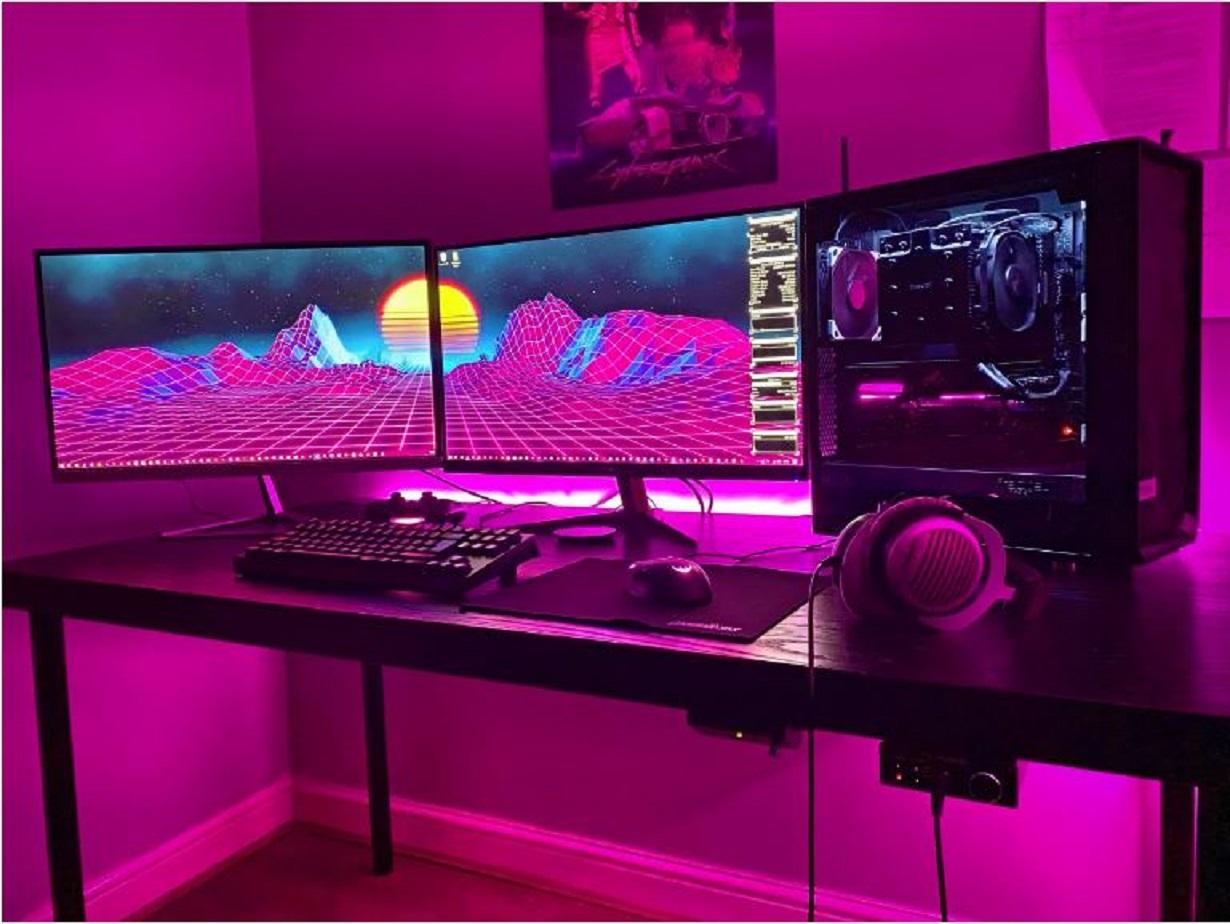
Gaming desktops, usually referred to as gaming PCs, are specifically made for playing video games, editing, designing, and performing numerous other design and animation tasks. Users, including gamers, editors, engineers, teachers, students, and a host of others, find these devices to be of great utility. Users who rely on this system professionally can earn money from it as well. The desktop’s strong hardware and software capabilities also enable the system to operate without hiccups while producing advanced graphics.
Additionally, the gaming desktops has a powerful cooling system that enables users to play the game while it is charging and keeps it cool even when playing for extended periods of time. The device includes extendable RAM that customers can use as needed.
What Are the 8 Insider Tips for Running a Successful Gaming Desktop?
Buy High-Quality Equipment
For your gaming desktop to operate at its peak performance, make sure to invest in high-quality hardware components like a potent CPU, graphics card, and cooling system. Due to this system, these desktop can avoid overheating and lessen the chance of component damage with the use of high-quality cooling technologies, such as liquid cooling. This can boost the playing and editing performance of the users.
Furthermore, higher-end components frequently have more features, like integrated overclocking, RGB lighting, and sophisticated cooling controls, allowing you to customize and improve your gaming experience. Moreover, this can be used without hesitation by editors, designers, professors, and many others.
Keep the Desktop Tidy
Maintain a clean desktop to prevent dust and other debris from heating up your computer’s hardware and causing it to fail. Additionally, over time, dirt and dust can shorten the lifespan of hardware components and raise the possibility of hardware failure. Regular cleaning can help your components last longer and require fewer expensive repairs or replacements.
Particularly if you share your gaming setup with others, desktops over time can gather bacteria and germs that could be harmful to your health. Maintaining a clean desktop can help stop the spread of germs and encourage a comfortable gaming experience.
Optimize Your Operating System
Gaming desktops need a lot of system resources, such as CPU, RAM, and graphics cards, to function properly. Make sure that these resources are distributed effectively and efficiently, which can enhance your gaming performance. This can enhance your gaming performance as well as your design work.
Therefore, by ensuring that your system is running the most recent and effective software, updating your operating system drivers, especially for your graphics card, can improve gaming performance. Also, it allows other users like editors, engineers, and architects to work properly with high-end graphics.
Update the Drivers on Your Computer
To guarantee that your hardware is functioning properly and using the most recent features and advancements, you should frequently update your system’s drivers. Crashes, freezes, and other stability problems can be brought on by outdated drivers. Your computer’s stability can be increased, and the risk of these problems can be decreased, by updating your drivers.
Bug fixes for problems that existed in earlier driver versions are frequently included in driver updates. You can make sure that your system is free of any problems or hiccups by updating your drivers.
Internet Usage at High Speeds
Online gaming requires a strong, dependable internet connection. To reduce latency and prevent dropouts, use a high-speed wired or wireless connection. Likewise, using a fast internet connection when playing multiplayer games makes for a seamless and enjoyable experience by lowering latency and enhancing the overall gaming experience.
Using 6G wi-fi access can be beneficial because it can allow you to play games at a high level. Also, by prioritizing quality, you can assist other users in completing their work quickly.
Install Antivirus Protection
By installing trustworthy antivirus software and keeping it updated, you can defend your gaming desktop from viruses and malware. This aids in guarding against viruses and malware that could impair the functionality of your system and possibly compromise your personal data on your desktop.
Additionally, while browsing the internet, you can come across websites or advertisements that have malicious software that could damage your computer. Your PC is kept secure by antivirus software, which assists in blocking such threats.
Use Software for Gaming Optimization
To improve system performance and decrease lag, use game optimization software. This software can assist in releasing system resources, giving priority to gaming activities, and reducing background activities that can impede gaming performance. It can also lessen system lag and help control system temperatures. All things considered, adopting game optimization software can help to ensure that the gaming desktop is operating at peak performance, producing a smoother and more pleasurable gaming experience.
Conclusion
It takes meticulous attention to detail and a dedication to performance optimization to run a good gaming desktop. To get peak gaming performance, it’s imperative to buy high-quality hardware, maintain the desktop tidy, optimize the operating system, update drivers, use high-speed internet, install antivirus software, and use game optimization software. Players can guarantee that their computers are operating at their peak, delivering a pleasurable and immersive gaming experience, by adhering to these exclusive guidelines.
